
Try the AI Clothes Changer Free
Try one successful AI outfit change with a registered account when trial capacity is available. Prepare your person photo and clothing reference below; the free request does not require payment.
Start with your photos Person photo + clothing reference · JPEG, PNG, WebPMake your first edit count
Choose a small, clear change for your first attempt. The studio shows current trial availability and any credit options before you generate.
Read the prepared instruction
Change the person’s visible clothing to the outfit in the reference. Focus on the garment shape and color. Keep the original person, hair, hands, pose and background.
Create your outfit swap
Selecting photos does not upload them.
How your photos are handled
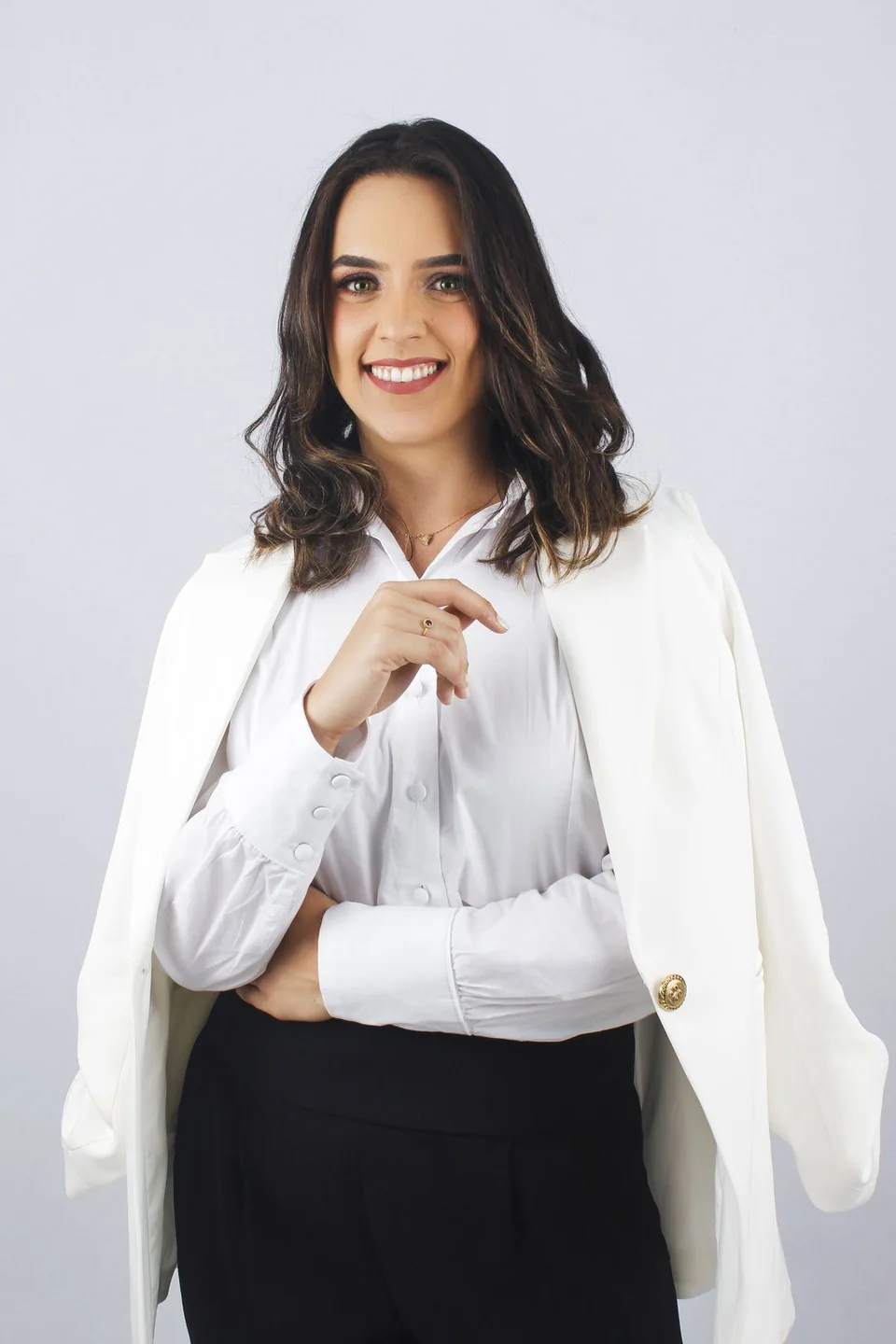 Sample person · not an AI result
A brief requests the change; review the generated result before saving. Check your photos before editing
Your next look, step by step.
Prepare a specific edit, keep the original nearby, and compare the details that matter to you.
- 01
Prepare two photos
Choose a clear person photo and an outfit reference. File selection and text preparation do not start generation or spend your trial.
- 02
Sign in and check availability
The free successful edit is for registered users. Capacity, account, IP and retry limits apply; the studio checks what is currently available.
- 03
Review and download
Accept the photo-processing notice and request your edit when the trial is available. Compare the completed image with the original before saving it.
What the free AI clothes changer includes
The trial offers one successful AI outfit change for a registered user, subject to current capacity and abuse limits. It uses the same two-photo workflow: a person image, a separate clothing reference and optional instructions. You can select your photos and prepare a brief before requesting the edit.
The trial is not an unlimited daily allowance. Current eligibility is shown in the studio, and the live account state takes precedence over a saved page. A failed attempt can still be subject to retry and rate limits, so check the task status before submitting another request.
Know the next step before you start
If you want to make more edits after your free allowance, open the pricing page to review the currently available credit packs. A paid generation needs a separate choice and confirmation in the studio. Picking a photo or reading this page does not buy credits.
If trial capacity is unavailable, keep your reference and brief ready for a later session or use the local manual color tool for a color-only task. The color tool works on the existing pixels; it is useful for another color, while a different garment needs the AI workflow.
Before your next edit.
Is the AI clothes changer free without a credit card?
No payment is required for the free request. Registered users can request one successful edit when eligible and when trial capacity is available.
Why does the studio sometimes show the trial as unavailable?
Trial access depends on provider capacity and account, IP and retry limits. The studio reads the current state before a request and displays availability.
Does the free edit renew every day?
The current offer is one successful free edit, not a daily refill. Check pricing for further AI edits and use the manual tool for local color changes.