
Start with the photos or product information you have and the decision you want to make.
Match your task to the required inputs
Our virtual try-on page focuses on a person photo and garment reference producing a still image. Live AR and 3D workflows need their own camera tracking or garment assets, as described in Antla’s overview below.
Choose the workflow that accepts your inputs and produces the kind of preview or advice you need.On a narrow screen, scroll the table sideways.
| Workflow | Input and output | Useful for | Check separately |
|---|---|---|---|
| Photo outfit edit | Person image plus a garment reference or supported text → an edited still | Exploring a look or preparing a styling image | Face, garment details and edges in the completed image |
| Shopping photo preview | Shopper image plus a catalog garment → a personal product visualization | Considering how a specific item might look | The real product details, size chart and current stock |
| Live AR try-on | Camera feed plus a compatible overlay/tracking system → a live composite | Seeing a supported item while you move | Item support, tracking and placement as you move |
| 3D garment visualization | Compatible garment assets and a body/avatar → a rendered view | Inspecting a garment in a supported 3D workflow | Asset detail, body measurements and the scope of any fit simulation |
| Size recommendation | Relevant body/product data and a separately evaluated sizing method → size advice | Choosing a size from actual product information | The seller’s measurements, sizing method and advice for that item |
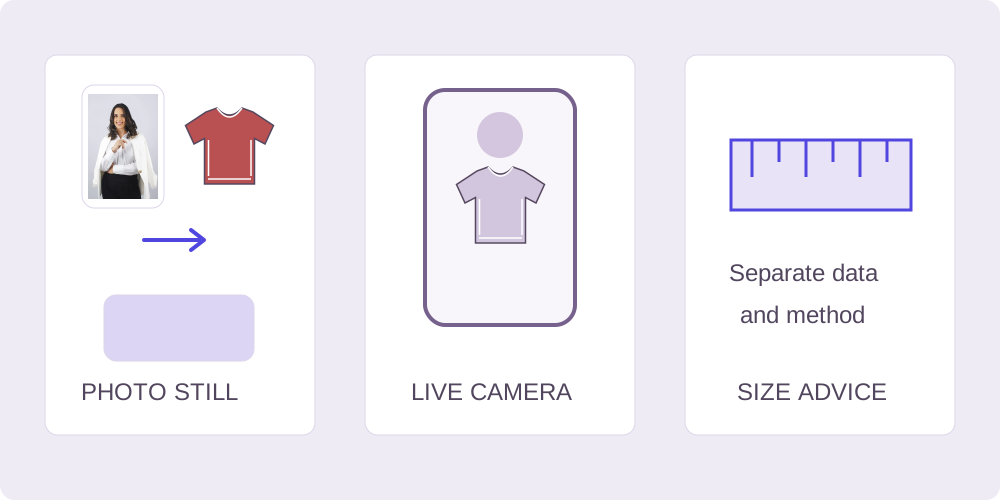
Use a garment reference to explore a specific look
An AI clothes changer and a photo-based virtual try-on can serve the same task: combine a person image with a garment image to explore an outfit. Our AI outfit changer uses those two inputs plus optional instructions. Choose a reference showing the cut, color and details you want to review.
Our outfit brief builder prepares instructions for those two images. A text-only outfit concept or a new model presentation from a flat-lay needs a different workflow. For store images, use the store workflow guide to decide which source photos to prepare.
Use product measurements when choosing a size
Use a shopping preview to consider color and style combinations, then consult the seller’s size chart, garment measurements and product details. A generated image can alter body or clothing details and does not measure or guarantee fit. Google’s Try-On help explains this boundary for its shopping feature.
Keep the real product page available while you compare sizes. Check the item’s measurements and sizing notes for the parts that matter to you, such as sleeve length or waist. Follow that shopping service’s current eligibility and supported-item requirements.
Choose your next step for the photo or product
- For a different outfit in an existing photo, use our clothes swap AI workflow with a person photo and garment reference. The photo guide explains preparation and review.
- For a work, evening or everyday styling direction, use the occasion outfit changer to narrow the brief before selecting your clothing reference.
- For one product while shopping, use a supported product-linked preview, then check the real item details and size information.
- For an effect that follows movement, choose a live camera workflow with tracking support for the item category.
- For a new color in the existing garment, use manual recolor, with the original image available for comparison.
Start a two-photo outfit edit in our studio
Use the photo-pair checklist, then select the person in Your photo and the clothing in Outfit reference. Add an optional instruction, sign in and accept the processing notice. Registered users can request one successful free generation, subject to capacity, account, IP and retry limits; the free AI clothes changer page explains the trial, and paid packs cover further edits.
Compare the completed result with both inputs before downloading. For color changes to the existing garment, the manual recolor tool lets you brush over the fabric and export a local PNG. For live movement or size advice, choose a dedicated camera or sizing workflow from the table above.
Sources & further reading
Source-check record: 19 October 2026. Use the publishers’ links below for their own workflows.
- Google Shopping: how Try-On works
Google’s explanation of shopping previews and their relationship to sizing.
- Antla: clothing photo try-on, AR and 3D workflows
A vendor’s overview of photo, AR and 3D try-on workflows.
- Snappyit: clothes in a product photo
A vendor’s guide to garment inputs and product-detail review.