
AI Outfit Generator with a Clothing Reference
Turn a saved clothing reference into a visual outfit idea. Build a short brief, pair the reference with a person photo, and use the generated image to explore the look.
Start with your photos Person photo + clothing reference · JPEG, PNG, WebPBuild your outfit brief
Start with a direction, then name a visible detail from your reference. This studio generates a clothing edit from two photos; text guides that edit.
Describe something visible in your reference photo.
Read the prepared instruction
Use the outfit from the reference on the person. Focus on a clean silhouette and the existing garment colors. Keep the original face, hair, pose and background; avoid adding extra garments or accessories.
Create your outfit swap
Selecting photos does not upload them.
How your photos are handled
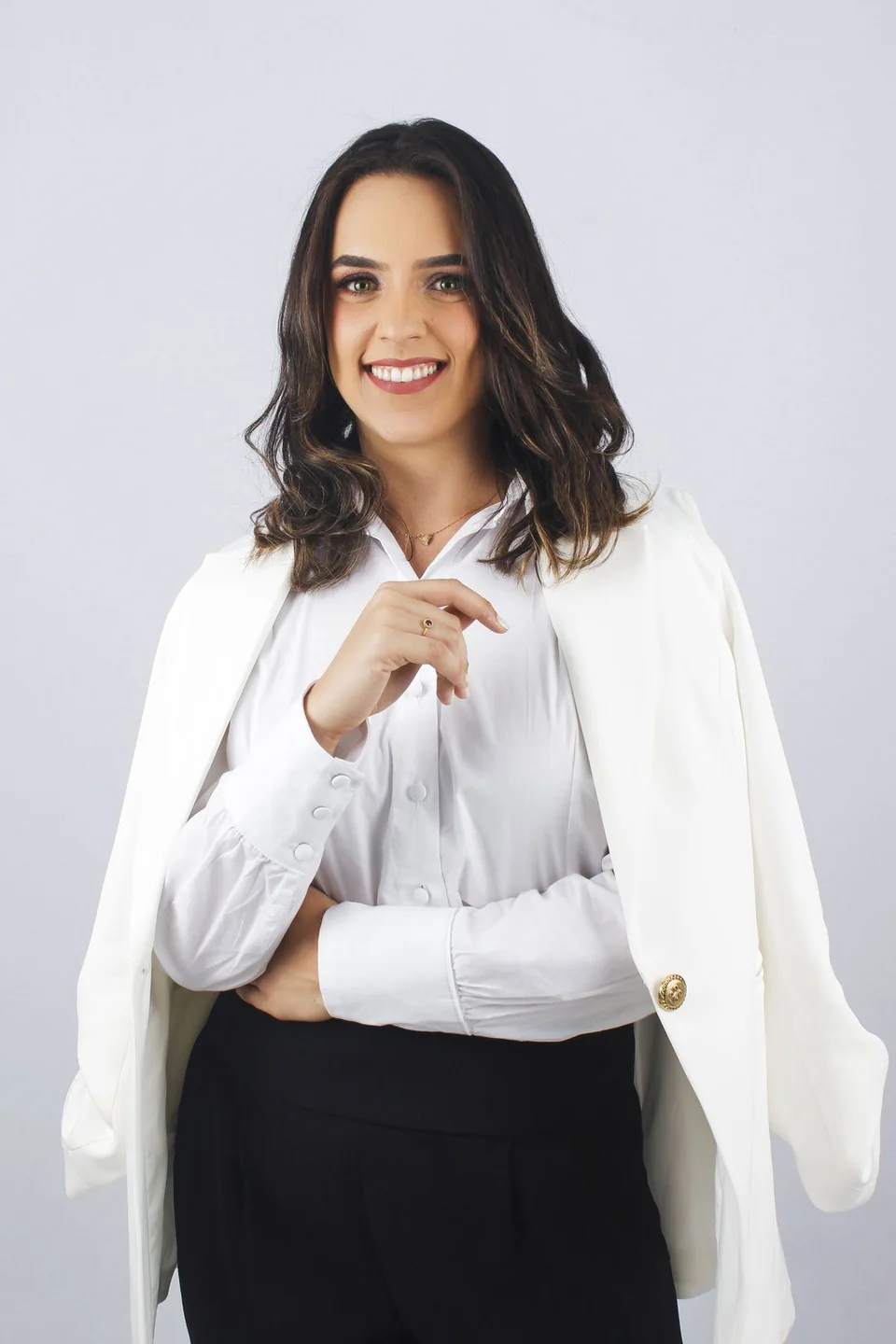 Sample person · not an AI result
A brief requests the change; review the generated result before saving. Check your photos before editing
Your next look, step by step.
Prepare a specific edit, keep the original nearby, and compare the details that matter to you.
- 01
Find a visual starting point
Choose a reference with a specific look you want to explore. Use an image you have permission to edit, with the clothing and its important details in view.
- 02
Write the clothing idea
Use the brief builder to describe a detail from that reference. Keep it focused on the clothing and name the person and scene details you want to preserve.
- 03
Generate a visual variation
Add both photos and apply the brief to the studio. Compare the generated outfit with the original person image and the garment reference.
Generate an idea you can evaluate
An outfit idea becomes easier to evaluate when it has a specific visual reference. Instead of asking for a vague “better outfit,” choose a look with a clear neckline, layer order or color palette. Use the generated version to see how that direction works within the framing of your photo.
Keep a short note about the one thing you want to learn from each edit: whether the jacket length works in a portrait, how the colors combine, or how a layered look changes the image. This gives you a reason to keep or reject the result.
Use the brief to support your reference
This AI outfit generator works from a person photo and a separate clothing reference. Text is an instruction for that image edit; the studio does not currently create an outfit image from text alone. Choose the reference first, then describe what the editor should use from it.
The brief builder above runs in your browser and prepares text only. Applying a brief does not start a generation or send photos. You can review and change the text in Additional instructions before you request an edit.
Before your next edit.
Can the AI outfit generator work from text alone?
This studio needs a person photo and a clothing reference. The text brief guides the clothing edit; it does not replace either required image.
What does the outfit brief builder do?
It prepares text instructions from a chosen style direction and an optional reference detail. It runs locally and does not generate or upload an image.
Can I save an idea before generating?
Yes. Copy the brief to your own notes and keep it with your chosen reference. You can also apply it to the studio and adjust it before requesting an edit.