
Virtual Try On for a Visual Clothing Preview
A virtual try on previews how a garment looks on your photo. Add your person image and a clothing reference to compare the color, shape and visible length. Use this virtual try on to explore appearance, then check the seller’s measurements for physical fit.
Start with your photos Person photo + clothing reference · JPEG, PNG, WebPChoose your virtual try on focus
Decide what you want to learn from your virtual try on: silhouette, color or layering. Each brief below focuses the same two-photo editor on one visual question.
Read the prepared instruction
Place the clothing shown in the reference on the person. Focus on the visible silhouette, neckline, sleeve length and hem. Preserve the original person, pose and background. Use only details visible in the reference.
Create your outfit swap
Selecting photos does not upload them.
How your photos are handled
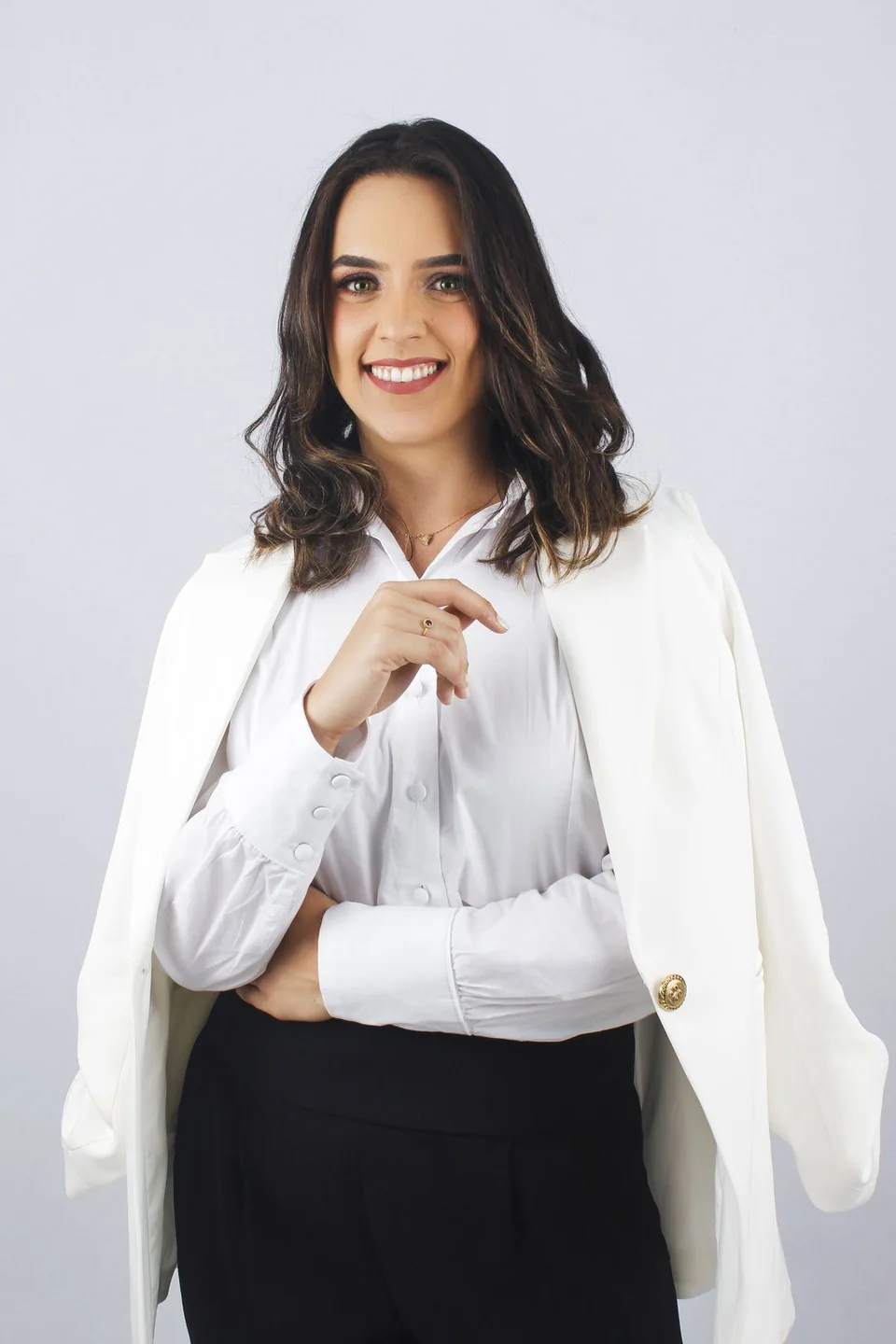 Sample person · not an AI result
A brief requests the change; review the generated result before saving. Check your photos before editing
Your next look, step by step.
Prepare a specific edit, keep the original nearby, and compare the details that matter to you.
- 01
Keep the garment source nearby
Choose a reference you have permission to use. Keep the original product photo or seller information available so you can compare real details later.
- 02
Create your virtual try on
Add your person image and the separate garment reference. Apply a focused brief, then review availability and processing consent in the studio.
- 03
Separate appearance from fit
Inspect the generated image for the look, and use the seller’s size guide and garment measurements for a real purchase decision.
What to compare in a virtual try on
Start your review with the silhouette and color relationship: the neckline, the visible sleeve and hem lengths, and the way pieces overlap in the picture. Zoom in to compare prints, logos, pockets and buttons against the real reference.
If a selling detail changes, return to the original product photo for that information. Generated fabric folds and shadows can make a preview look natural without reproducing a garment exactly. Keep both the original and the preview so you can check the difference.
For a fair comparison, keep the person photo and framing the same when you try a second reference. Change one garment at a time, save each result beside its source, and compare at the same zoom. This makes styling differences easier to judge without confusing a new pose with a new outfit.
Use virtual try on for appearance, measurements for sizing
This still-image workflow does not measure your body or calculate how a physical garment will fit. A shirt that appears loose in a generated picture is not evidence that a specific size will be loose on you.
Before buying, check the seller’s garment measurements, fabric information and return conditions. For a shop’s own images, review the real item and the applicable image-use terms before publishing a generated preview. The clothing store guide includes a practical review checklist.
Before your next edit.
Does virtual try on tell me which size to buy?
This visual try-on workflow does not recommend a size or measure fit. Use the real garment measurements and the seller’s size guide for that decision.
Do I need a live camera or body scan?
No. This workflow uses a still person photo and a separate clothing reference. It does not require a live camera or a body scan.
Can a clothing store use this to review a garment idea?
A store can explore and manually review a small image pilot. Compare every visible product detail with the real item and check the applicable terms before any commercial use.